Short answer: Wireless charging heat is usually influenced by energy-conversion losses, coil alignment, the phone case, ambient temperature, the phone’s current workload, and the power adapter. Mild warmth can be normal, but persistent high temperature, repeated charging pauses, unstable connection, or unusually slow charging should be investigated. Buyers evaluating a wireless charger should test the complete system—not only the advertised wattage.
This guide explains why wireless charging can feel warm or slow, what users can check, and what importers, distributors, and private-label brands should validate before approving a product. It is an educational guide rather than a claim about every phone or charger; actual behavior depends on the final device, charger, case, adapter, environment, and software.
Why does wireless charging generate heat?
Wireless charging transfers power through an electromagnetic field between a transmitter coil in the charger and a receiver coil in the phone. The transfer is not perfectly efficient, so some energy becomes heat in the charger, phone, electronic components, and nearby materials.
A small temperature rise does not automatically mean the charger is defective. Apple states that an iPhone may become slightly warmer while charging, and both Apple and Google explain that a phone may slow or pause charging when its temperature is outside the normal range. The important question is whether the heat is controlled, repeatable, and within the limits required for the final product and market.
Does poor alignment make a wireless charger warmer or slower?
Yes, poor alignment can reduce the quality of power transfer. When the transmitting and receiving coils are not positioned effectively, charging may start and stop, deliver less useful power, or create more heat than a well-aligned setup.
Alignment can be affected by:
- the position of the charging coil inside the phone;
- the size and location of the transmitter coil;
- a phone placed too high, low, or off-center;
- camera bumps or uneven case geometry;
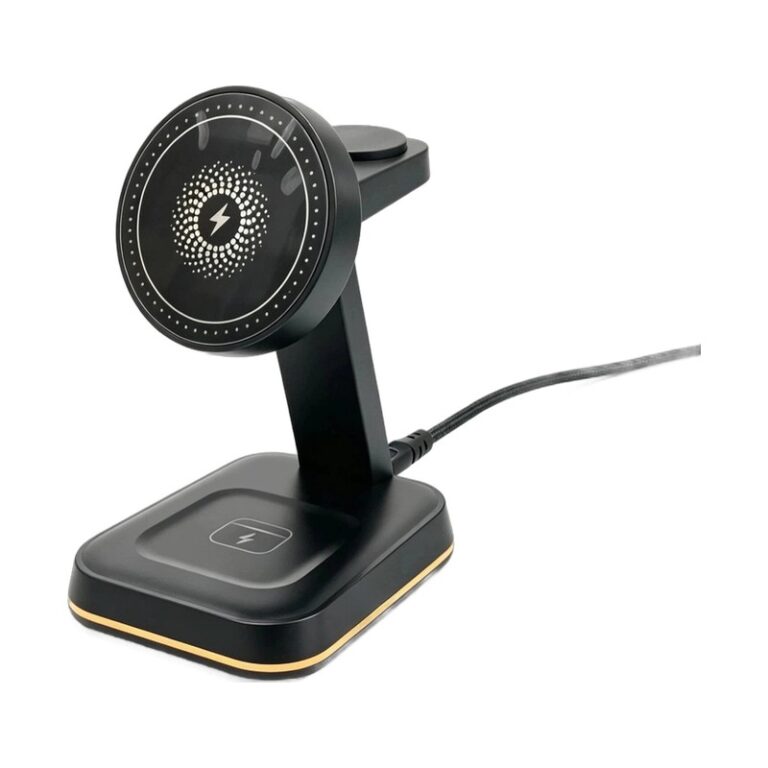
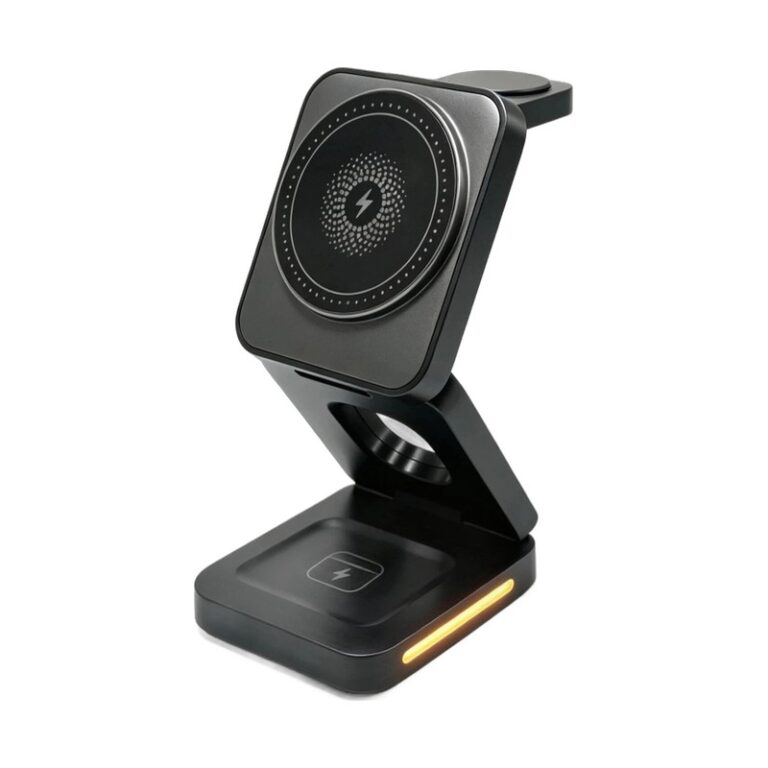
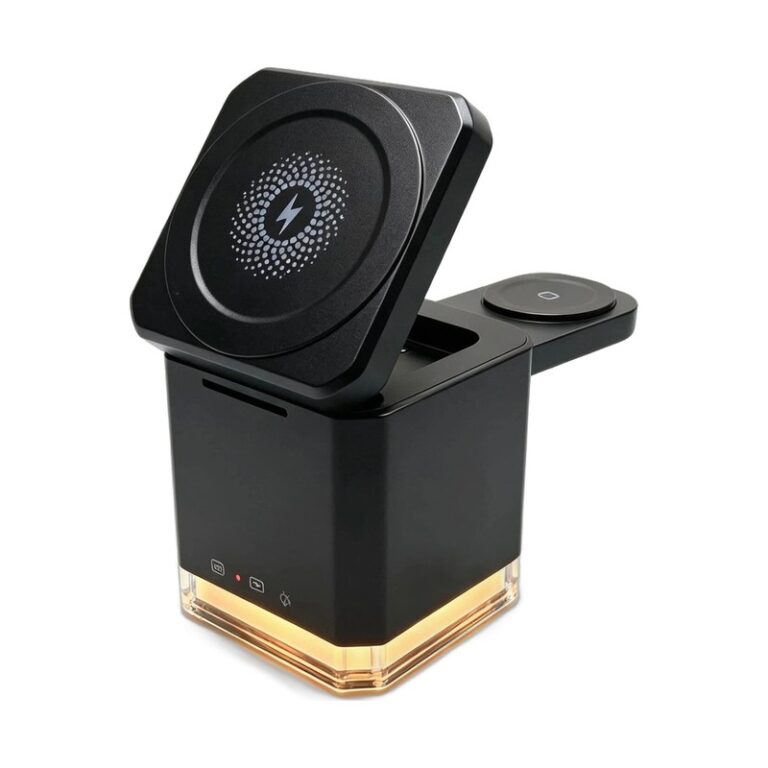
- a folding stand angle that does not match the tested device;
- movement or vibration during charging.
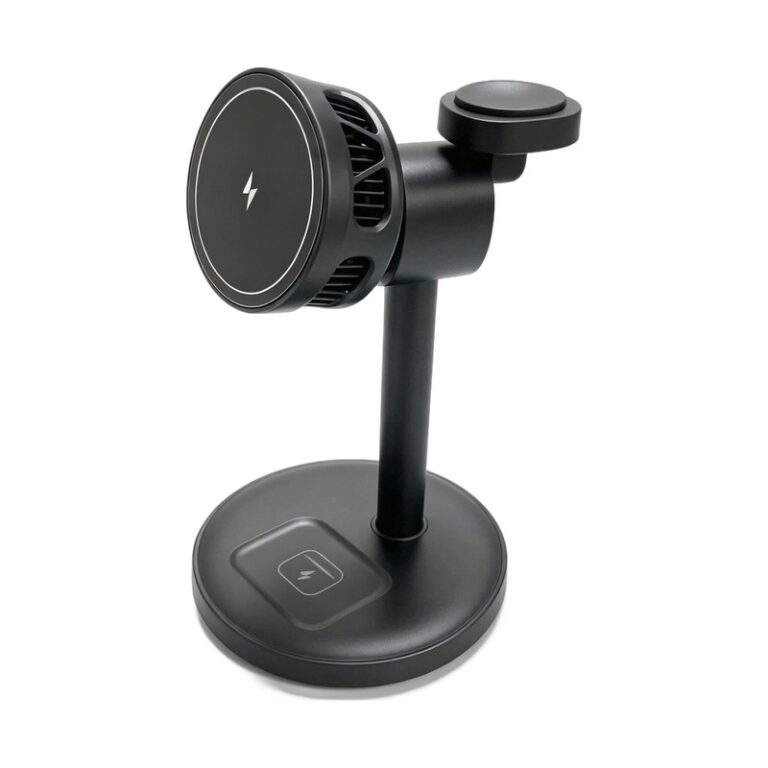
Magnetic alignment can make correct positioning easier on compatible products, but the presence of magnets alone does not prove a specific charging speed or certification. The exact charger and phone combination still needs to be tested.
Can a phone case cause wireless charging heat?
Yes. A thick case increases the distance between the two coils, while metal plates, ring holders, cards, or incompatible magnetic parts can interfere with power transfer. Google advises users to remove thick or metallic cases when charging is slow or unstable, and warns against placing metallic or magnetic objects between the phone and charger.
For a private-label charger, “case compatible” should never be treated as one universal result. A useful test set includes:
- a phone with no case;
- a common thin protective case;
- a thicker case within the brand’s intended use range;
- a compatible magnetic case when magnetic positioning is part of the design;
- cases with large camera surrounds that may change the charging distance.
Testing should record whether charging starts reliably, remains stable, and maintains acceptable temperature over time. Any limitations should be described clearly in the manual and product page.
Why can a phone show “charging on hold”?
Modern phones actively protect their batteries. Apple explains that iPhone may automatically slow or pause charging when it becomes too warm or too cold, and charging resumes when the temperature returns to normal. Google gives similar guidance for Pixel devices and notes that charging may pause when the phone gets too warm.
This means a paused charge is not always proof that the charger has failed. The phone may be responding to sunlight, a hot room, intensive apps, navigation, video, gaming, battery condition, a case, or heat created by the charging system itself.
For reliable troubleshooting, let the phone cool, move it away from direct sunlight, close demanding apps, remove an unsuitable case, confirm alignment, and retest with the recommended adapter and cable.
Does a higher wattage rating always mean faster wireless charging?
No. The number printed on a charger is only one part of the system. Actual power delivered to the battery can be limited by the phone model, charging protocol, coil alignment, case, adapter, cable, battery level, device temperature, and simultaneous device use.
The phone also controls how much power it accepts. Charging may be faster at one stage of the battery cycle and slower as the battery fills or warms. A fair performance comparison therefore needs the same phone, starting battery level, adapter, cable, case, room temperature, and test duration.
Can the power adapter or cable make wireless charging slow?
Yes. A wireless charging stand cannot deliver its intended performance if the input source is insufficient or incompatible. A laptop USB port, low-power adapter, poor cable, or incorrect charging protocol may reduce the available input before wireless power transfer begins.
A B2B product specification should clearly state:
- the required input voltage and current;
- the supported input protocol, when applicable;
- whether the cable is included;
- whether the adapter is included;
- the adapter configuration used for published test results;
- whether outputs change when multiple devices charge simultaneously.
This information helps prevent a common post-sale problem: a customer uses an older adapter, sees slower charging, and assumes the wireless charger is defective.
What is foreign object detection in wireless charging?
Conductive objects such as coins, keys, paper clips, or certain metallic case parts can be exposed to the charging field and become warm. The Wireless Power Consortium’s Qi specification describes foreign object handling and requires the system to take appropriate action to prevent unacceptable heating in defined test scenarios.
Foreign object detection is therefore an important safety function, but it should not be marketed as permission to leave metal objects on a charging surface. Users should keep the interface clear, and suppliers should test the exact commercial configuration rather than relying only on a generic component description.
How should a wireless charger brand test heat and charging stability?
A useful validation plan should reproduce the way customers actually use the product. One quick phone test at room temperature is not enough.
| Test area | What to vary | What to record |
|---|---|---|
| Device compatibility | Target phone, watch, and earbuds models | Start reliability, connection stability, charging state |
| Alignment | Centered and realistic off-center positions | Charging continuity, temperature, user feedback |
| Phone cases | No case, thin case, approved magnetic or thicker cases | Start/stop behavior, temperature, limitations |
| Input system | Approved adapter and cable combinations | Input behavior and repeatable output conditions |
| Environment | Defined room and elevated ambient conditions | Surface temperatures and protective behavior |
| Multi-device use | Single-zone and simultaneous charging | Power distribution, temperature, stability |
| Foreign objects | Applicable controlled test objects | Detection, power limitation or shutdown response |
| Duration | Cold start and extended charging periods | Peak and stabilized temperature, interruptions |
The test method, instruments, device software, starting conditions, pass criteria, and result should be documented. If the product changes—such as its coil, magnet, housing material, firmware, cable, or adapter—the responsible engineering and compliance teams should decide which tests need to be repeated.
What should buyers ask instead of “Does it overheat?”
“Overheat” is too vague for a useful supplier discussion. Better questions produce measurable answers:
- Which phones, cases, adapters, and cables were used in the thermal test?
- What were the room temperature, starting battery level, and test duration?
- Where were temperatures measured on the phone and charger?
- Was the test performed with one device or all charging positions in use?
- How does the product respond to misalignment and applicable foreign objects?
- Which changes require retesting before mass production?
These questions turn a subjective claim into a repeatable product requirement.
Frequently asked questions
Is it normal for a wireless charger to feel warm?
Mild warmth can occur during normal wireless charging because energy transfer is not perfectly efficient. Stop using the product and follow the manufacturer’s guidance if heat is excessive, there is damage or odor, charging repeatedly fails, or the product behaves abnormally.
Why does wireless charging slow down after a while?
The phone may reduce power because of temperature, battery level, software, active apps, poor alignment, the case, or insufficient input power. Controlled retesting is needed to identify the cause.
Will removing the phone case improve wireless charging?
It can. Removing the case reduces distance and eliminates possible interference from metal or incompatible magnetic parts. If performance improves without the case, check whether the case is suitable for that phone and charger.
Does magnetic alignment eliminate charging heat?
No. Good alignment can improve consistency, but temperature still depends on the complete phone, charger, case, electronics, input source, software, and environment.
How can a buyer compare two wireless chargers fairly?
Use the same phone, software version, starting battery level, adapter, cable, case, ambient temperature, placement, and test duration. Record charging stability and temperature alongside charge progress.
How should a private-label brand communicate heat performance?
Use verified specifications, clear setup instructions, compatible accessory guidance, and defined limitations. Avoid universal speed or temperature claims that were not tested on the final commercial configuration.
Build a wireless charger specification around real use
Wireless charging heat and speed cannot be judged by wattage alone. Alignment, phone cases, adapters, cables, ambient conditions, device behavior, and simultaneous charging all influence the customer experience. A strong supplier should help a buyer convert these variables into a documented test plan and an accurate product specification.
Shinestone supports B2B wireless charging and private-label project evaluation. Explore our wireless charger range or contact us with your target devices, market, intended use, case requirements, adapter configuration, and expected order quantity.